
Poor communication, material delays, and budget overruns are constant threats to project success. In fact, some studies show that Cost overruns take place in 9 out of every 10 major construction projects. Large projects often take 20% longer to finish than scheduled and can run up to 80% over budget. These numbers highlight a massive challenge in the industry, where productivity has only grown by about 1% annually over the last two decades.
A primary cause of these issues is outdated and inefficient procurement, the process of sourcing and securing all the necessary goods and services. Manual, paper based methods just don’t cut it anymore. Modern construction procurement systems offer a digital solution, creating a central hub to manage the complexities of purchasing and helping to keep projects on track and on budget.
Quick Takeaway: Why Use a Construction Procurement System?
A construction procurement system is a specialized digital platform that automates the sourcing, purchasing, and delivery of materials and services. By replacing manual spreadsheets with a centralized hub, these systems typically reduce procurement costs by 5% to 20%, eliminate budget overruns, and improve project timelines through real-time supply chain visibility.
What Is a Construction Procurement System?
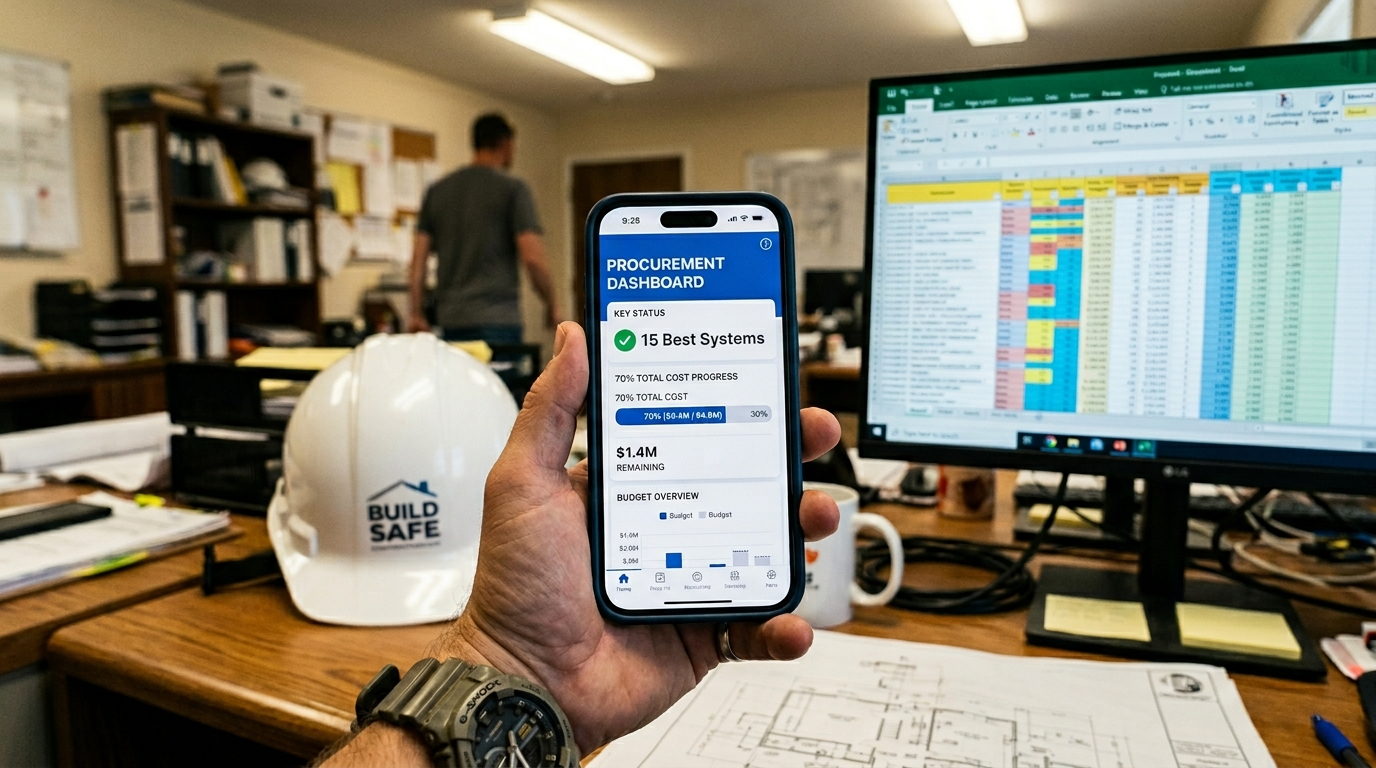
A construction procurement system is a specialized digital tool designed to manage and streamline the entire process of acquiring materials, equipment, and services for construction projects. It goes far beyond simple purchasing software by integrating every step of the procurement lifecycle, from initial planning and supplier selection to purchase orders, delivery tracking, and payment.
Think of it as a central command center for all purchasing activities. Instead of juggling spreadsheets, emails, and phone calls, teams in the office and field can collaborate on a single platform. This unified approach ensures everyone is working with the same information, which is critical for an industry where the cost of materials and subcontracted services can represent as much as 60–70 percent of the total installed cost of a project.
The Problem It Solves: Common Procurement Challenges in Construction
Manual procurement is a significant source of inefficiency and risk in the construction industry. The traditional approach creates several key challenges that modern construction procurement systems are built to solve.
Lack of Visibility and Control
Without a centralized system, it’s nearly impossible to get a clear, real time view of procurement activities. This lack of visibility leads to several problems:
Budget Overruns: Project managers often discover cost overruns weeks after they happen, making it difficult to take corrective action.
Maverick Spending: Unauthorized purchases become more common when there isn’t a structured approval workflow.
Inefficient Tracking: Manually tracking thousands of purchase orders, contracts, and suppliers across multiple job sites is incredibly labor intensive and prone to error.
Disconnected Workflows and Poor Communication
When procurement relies on disconnected tools like email and spreadsheets, communication breaks down between the office, the field, and suppliers. This fragmentation is a major source of project delays. Materials get ordered to the wrong job site, duplicate orders are placed, and critical information gets lost. Formal contractor alliances can reinforce shared processes and reduce these errors.
Inefficient Manual Processes
Manual procurement tasks are time consuming and steal focus from more critical activities. One analysis found that processing a single purchase order and its corresponding invoice can take a cumulative 80 minutes across all staff involved. With thousands of POs per year, that lost time adds up quickly. These manual workflows are also a primary source of human error, which can erode a company’s profits. Joining a group purchasing organization (GPO) for contractors can standardize pricing and terms to cut admin time.
Benefits You Can Expect
Adopting a dedicated construction procurement system provides a wide range of benefits that directly address these challenges, leading to more predictable and profitable projects.
Improved Cost Control: Gain real time visibility into project spending and track budgets more accurately. Digital systems can reduce procurement costs by between 5% and 20% through increased efficiency.
Increased Efficiency: Automating repetitive tasks like purchase order creation, approvals, and bid comparisons saves countless hours of administrative work. This is especially valuable for contractors who can better leverage their existing teams.
Better Supplier Relationships: A centralized platform improves communication and provides tools for tracking supplier performance. For contractors seeking to optimize their purchasing, leveraging a group purchasing organization like the Contractors National Buyer Alliance (CNBA) can amplify these benefits by providing access to pre-negotiated pricing. Learn how national pricing programs for contractors work and when to use them.
Reduced Project Delays: With real time material tracking and streamlined communication, teams can prevent the material shortages and delivery errors that often cause schedule setbacks.
Enhanced Data and Decision Making: Centralized data provides valuable insights into spending trends and supplier performance, enabling more strategic decisions.
Key Features to Evaluate Before You Buy
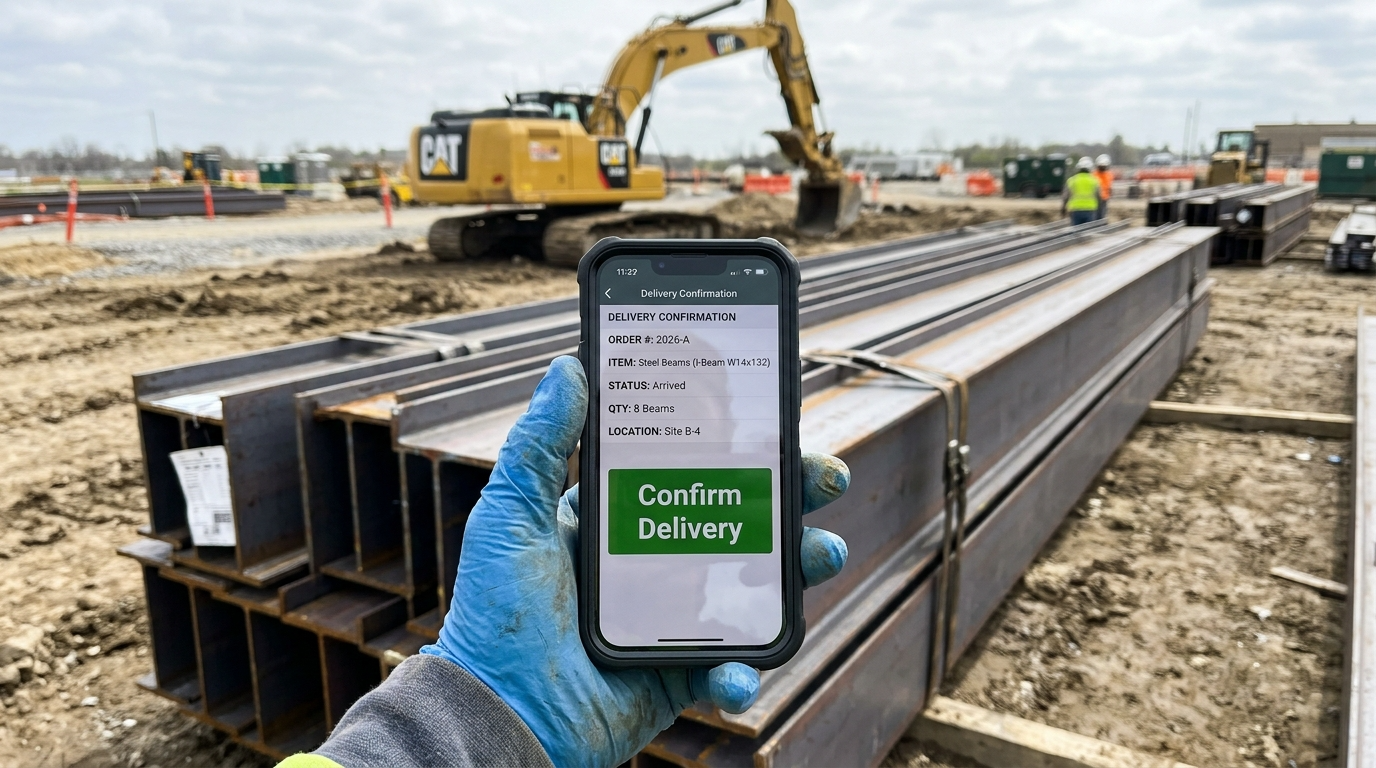
Not all construction procurement systems are created equal. When evaluating the various construction procurement systems on the market, look for a platform built specifically for the complexities of the construction industry.
Core Functionality to Look For:
Vendor Management: A central database to store supplier information, track compliance documents like insurance certificates, and monitor performance. See how to build contractor–vendor partnerships that actually improve pricing and delivery.
Purchase Order Automation: The ability to easily create, send, and track purchase orders with automated approval workflows to enforce budget controls.
Bid Management: Tools to send bid packages to multiple vendors, compare quotes side by side, and award contracts efficiently.
Budget Tracking: Real time dashboards that show how actual spending compares to the project budget.
Mobile Accessibility: The ability for field teams to create requisitions, confirm deliveries, and access procurement information from a phone or tablet.
Integration Capabilities: Seamless integration with your existing accounting, project management, and ERP systems to avoid duplicate data entry.
Construction Procurement Software Comparison
Software | Best For | Key Feature | Integration |
Procore | Mid-market GCs | End-to-end Financials | Sage, QuickBooks |
Autodesk | BIM-heavy Projects | Precon-to-Ops Flow | ACC Connect |
Oracle Textura | Payment Compliance | Automated Lien Waivers | Viewpoint, CMiC |
Viewpoint Vista | Heavy/Civil Trades | ERP-grade Job Costing | Procore, Trimble |
CMiC | Enterprise Firms | Single Database Architecture | SiteSense |
Top 15 Construction Procurement Systems
To help you navigate the complex landscape of vendor management and material sourcing, we have compiled the industry’s most effective platforms currently driving project efficiency. These tools are selected for their ability to integrate financial tracking with supply chain logistics, providing a centralized hub for all procurement activities. For a broader playbook, see our construction sourcing strategy guide. By examining these market leaders, you can identify the specific features that will best support your team’s bidding and purchasing workflows.
1. Procore
Procore brings bidding, commitments, and invoicing into one connected spine, so POs from the field and subcontracts from the office flow straight into job cost. Mobile-first capture of requests and deliveries shrinks approval times, cuts maverick buys, and gives live, job-to-office financial visibility.
Best for: Mid-market GCs and self-performing contractors running industrial or commercial portfolios.
Standout for contractors: A true end-to-end construction platform with prequalification, eRFx/bidding, financials, and payments (Procore Pay) that’s widely adopted across the Southeast.
Contractor-built capabilities:
Side-by-side bid leveling with one-click conversion of RFQs to subcontracts or POs.
Mobile field requests and delivery photos that update commitments and cost in real time.
Configurable, multi-level approvals for commitments on web or mobile.
Centralized vendor prequalification and risk controls using standard data models.
Subcontract invoice automation with retainage and stored-materials handling.
Budget tracking tied to change events for accurate, real-time job costing.
Lien waiver workflows and payment automation via Procore Pay.
Integrations: Sage 100/300, Viewpoint Vista/Spectrum, QuickBooks, NetSuite.
Pricing, integrations & deployment: Annual, volume-based subscription with unlimited users; cloud-native. Deep connectors for Sage, Viewpoint, and NetSuite.
2. BuildingConnected
BuildingConnected streamlines GC bid management from outreach to leveling, backed by the industry’s largest subcontractor network. With TradeTapp for prequalification and a clean handoff to Autodesk Build, teams award faster, align risk with budget, and maintain clear office-to-site continuity.
Best for: Mid-market to ENR 400 GCs and CMs delivering commercial, industrial, and civil work.
Standout for contractors: Market-leading bidder coverage and quote leveling, plus integrated risk scoring via TradeTapp.
Contractor-built capabilities:
RFQs and subcontractor outreach across a 1M+ Builders Network, filtered by trade and geography.
Side-by-side bid comparison with custom forms, internal budgets, and automated soft-award rollups.
TradeTapp risk insights with conditional, multi-level approvals for projects and vendors.
Direct push of winning bids to Autodesk Build Cost Management for contracting.
Power BI connector and Autodesk Platform Services API for bid/risk dashboards.
Integrations: Autodesk Build/Docs, Sage 300 CRE, Viewpoint Vista, NetSuite, Procore.
Pricing, integrations & deployment: Quote-based SaaS; cloud-only. Native integrations with Autodesk Construction Cloud and major ERPs via ACC Connect. Onboarding often measured in days to a few weeks.
3. Autodesk Construction Cloud
Autodesk Construction Cloud unifies BuildingConnected, TradeTapp, and Autodesk Build to manage RFQs, bid leveling, prequalification, and downstream commitments. By tying awards to budgets and cost codes, it curbs maverick spend and delivers real-time visibility from field receipts to invoice matching.
Best for: Mid-to-large GCs and industrial contractors executing complex, BIM-heavy infrastructure.
Standout for contractors: An integrated precon-to-operations toolchain with strong audit trails and owner/GC workflows.
Contractor-built capabilities:
RFQs and subcontractor bid comparison through BuildingConnected with embedded TradeTapp risk.
Subcontracts and POs with custom, multi-level approvals and end-to-end auditability.
Mobile field receipts and photo capture linked to RFQs, changes, and invoices.
Subcontractor portal for pay apps, SOVs, and change tracking.
Automated budget rollups for commitments, forecasts, and cost control.
3-way invoice matching to POs and contracts for financial alignment.
Analytics dashboards; integrations: QuickBooks Online, Sage 300, Viewpoint Vista, NetSuite, Acumatica.
Pricing, integrations & deployment: Quote-based SaaS by module. Connects with Sage, Vista, and NetSuite via ACC Connect. Integrations between Autodesk Construction Cloud and ERP systems could take weeks to months.
4. Oracle Textura
Oracle Textura standardizes subcontractor pay apps, lien waivers, and compliance so project teams automate reviews and accelerate disbursements. The result: fewer errors, faster cycles, audit-ready trails, and clearer draw visibility across jobs.
Best for: Mid-market to ENR-level GCs, CMs, and owners managing complex industrial or infrastructure programs.
Standout for contractors: The industry benchmark for lien waiver and payment compliance at scale.
Contractor-built capabilities:
Structured pay application workflows with role-based reviews and automated alerts.
Lien waiver management and compliance checks that block noncompliant payments.
Electronic payments and early-pay programs to improve subcontractor liquidity.
Automated validation of billed amounts vs. COs and contract values.
Centralized audit trails with real-time analytics on draw and sub status.
ERP integrations: Sage 300 CRE, Viewpoint Vista, CMiC, JD Edwards, NetSuite.
Seamless data sharing with Procore for consolidated financial reporting.
Pricing, integrations & deployment: Usage-based fees (commonly ~0.22% per subcontract, capped). Cloud delivery with included training and ERP integration configuration; standard implementations are predictable and rapid.
5. Oracle Primavera Unifier
Unifier orchestrates owner-grade procurement, from requisitions and RFQs to bids and POs, on top of rigorous cost sheets. Field-to-office requests sync to project budgets, curbing off-contract spend and speeding approvals across complex capital programs.
Best for: Industrial owners and large GCs overseeing complex infrastructure or multi-year capital programs.
Standout for contractors: Deep governance, SOV/change control, and public/enterprise compliance at scale.
Contractor-built capabilities:
RFQs and bid comparison via a secure portal with granular line-item analysis.
Multi-level approvals for requisitions and PO amendments against departmental thresholds.
Mobile field requests, delivery receipts, and geotagged photo capture.
Vendor prequalification with controlled lists feeding automated sourcing.
Real-time cost sheets tracking commitments, actuals, and cash flow.
Digital pay apps and SOVs validated against contract terms.
Native P6 connectivity; integrations: Oracle Fusion, E-Business Suite, REST APIs.
Pricing, integrations & deployment: Subscription-based cloud pricing starting near $165/user/month. Rollouts typically take several months, with native P6 and major ERP integrations via REST middleware.
6. Viewpoint Vista
Trimble Viewpoint Vista anchors purchasing, subcontracts, compliance, AP, and job cost in one construction ERP. Mobile POs and receipts feed approvals and budgets in real time, shrinking cycle times and stamping out maverick spend across heavy/civil and self-perform operations.
Best for: Mid-to-large self-performing GCs and specialty contractors with complex heavy/civil portfolios.
Standout for contractors: Rock-solid back-office control, including compliance, 3-way match, and deep job coding, plus proven Procore/ACC connectors.
Contractor-built capabilities:
Mobile field POs and receiving with photos posted directly to Vista.
Subcontracts and POs with multi-step approvals by cost thresholds.
Compliance tracking (COIs, certified payroll) that can stop noncompliant payments.
Detailed job/phase/cost type coding with live budget impact.
Standard 2-/3-way invoice matching to prevent overpayment.
AP automation to capture PO data and route exceptions.
Integrations: Procore ERP Connector, Autodesk Build, Trimble App Xchange.
Pricing, integrations & deployment: Quote-based via Trimble Construction One; cloud-hosted or on-prem. Integrates with Procore and Autodesk Build. Average implementation time is 7 months.
7. CMiC
CMiC unites bidding, procurement, subcontracts, POs, and job cost on a single database. Requisitions route through configurable approvals, while commitments, receipts, and invoices tie back to cost codes, reducing re-keys and elevating field-to-office auditability.
Best for: Mid-market to ENR 400 heavy/highway, industrial, and multi-project contractors.
Standout for contractors: ERP-grade financial control with strong subcontracts, change, and compliance management.
Contractor-built capabilities:
RFQs with side-by-side subcontractor comparison and leveling.
Requisitions and POs backed by multi-level, threshold-based approvals.
Mobile field requests, receipts, and photo capture via Construct PM.
Vendor management with time-bound compliance tracking for insurance and liens.
Job coding and budget tracking that link POs to cost codes in real time.
Automated 2-/3-way matching of POs, receipts, and invoices.
Full audit trails across requisitions, changes, and commitments; analytics for AP and subs.
Integrations: Procore, Oracle Textura, SiteSense.
Pricing, integrations & deployment: Enterprise, quote-based for SaaS or on-prem. Connects to Procore, Textura, and SiteSense. Broad rollouts for finance and project controls typically span 6–18 months.
8. 4castplus
4castplus is purpose-built for construction/EPC procurement, connecting requisitions, RFQs, awards, and POs to budgets with a secure vendor portal and 3-way match. Teams buy faster, enforce approvals, and see real-time accruals from field receipts through invoice.
Best for: Mid-market to enterprise self-performing GCs and EPCs in industrial, energy, and heavy-civil.
Standout for contractors: Robust eRFx-to-award with expediting and compliance baked into one platform.
Contractor-built capabilities:
RFQs with quote comparison and one-click award to PO via vendor portal.
Requisitions/POs with multi-level DOA enforcement and revision control.
Mobile receiving for progress claims, photos, and real-time cost accruals.
Approved vendor master with resource libraries, submittals, and document control.
Direct job coding for commitments vs. budget tracking.
Automated 3-way invoice matching with OCR and exception handling, including retainage.
Detailed analytics and expediting reports; integrations: NetSuite, Viewpoint, Sage 300, SAP.
Pricing, integrations & deployment: Quote-based SaaS; cloud delivery with a native NetSuite connector and proven Sage/Viewpoint integrations. Typical go-lives range from several weeks to a few months.
9. ProcureWare
ProcureWare gives public owners and capital teams a transparent e-sourcing hub for RFQs, sealed bids, and supplier management. Standardized solicitations, structured approvals, and clear audit trails reduce cycle times and elevate site-to-office accountability on complex, owner-side programs.
Best for: Public agencies, utilities, and large capital programs delivering infrastructure.
Standout for contractors: Public-sector rigor, such as sealed bids, MWBE/DBE tracking, and auditability, without a heavy IT lift.
Contractor-built capabilities:
RFQs/RFPs/ITBs with electronic sealed bids and time-controlled openings.
Supplier self-registration, qualification, and automated performance scoring.
Bid invitation management with addenda tracking and comparative tabulation.
Contract administration for documents, mods, milestones, and insurance certs.
DBE/MWBE outreach workflows for diversity compliance and reporting.
End-to-end audit trails for transparent, defensible procurement.
Integrations: API or file exchange with ERPs like Viewpoint or NetSuite.
Pricing, integrations & deployment: Quote-based SaaS, cloud-hosted. Rapid deployment for public agencies with API/file-based ERP integrations. Timelines vary by scope but are typically quick.
10. InEight
InEight connects buyout, contracts, POs, and change control with project controls and ERP data. Field receipts and invoice status flow back to budgets and forecasts, compressing cycle times, tightening spend discipline, and giving teams a live line of sight from site to office.
Best for: Industrial GCs and self-performers delivering large, complex capital projects.
Standout for contractors: Deep project controls alignment where procurement ties directly to quantities, progress, and forecasts.
Contractor-built capabilities:
RFQs and bid packages with milestones and vendor quote comparison from estimates.
Threshold-based approvals for POs, contracts, and change orders.
Mobile field requests and delivery receipts with photo capture (InEight + SiteSense).
Materials master (UNSPSC) for consistent items and pricing.
Commitment tracking and budget forecasting integrated with InEight Control and ERP.
2-/3-way invoice matching via bidirectional ERP data.
Procurement milestone dashboards; integrations: Dynamics 365, Sage, Viewpoint Vista, QuickBooks.
Pricing, integrations & deployment: Enterprise pricing is custom; “InEight NOW” subscriptions from $199/month. Cloud SaaS with Dynamics/Sage/Viewpoint integrations. Based on your specific needs, implementations can be anywhere from a matter of weeks to months.
11. Sage 300
Sage 300 CRE anchors purchasing, subcontracts, and job cost so POs, receipts, and retainage live inside financials. Commitments roll into budgets automatically, taming off-contract buys and giving PMs and AP one version of the truth in real time.
Best for: Mid-market GCs and self-performing civil, commercial, and industrial specialty trades.
Standout for contractors: Southeast mainstay for job costing, with a broad partner ecosystem to extend procurement and AP.
Contractor-built capabilities:
Purchasing + Job Cost integration updates commitments/actuals from job-related POs.
Subcontract and change management with downstream AP/Job Cost posting.
Multi-level approvals for requisitions/invoices via Sage Paperless Construction.
Field receipting and photos via mobile apps for real-time sync.
Retainage and compliance tracked on job-related POs and receipts.
3-way matching of POs, receipts, and invoices to catch pricing variances.
Integrations: Procore, TimberScan, hh2, Trimble Pay, RedTeam Flex, Stampli.
Pricing, integrations & deployment: Modular, quote-based licensing on-prem or via Sage Partner Cloud hosting. Most Sage 300 implementations take between 4 weeks and 8 months. with turnkey integrations to Procore, TimberScan, and more.
12. ConstructConnect
ConstructConnect accelerates preconstruction with automated bid invites, plan distribution, and tracking across a large subcontractor network. Estimators get better coverage with less manual outreach, while standardized communication reduces gaps that can ripple into buyout and procurement.
Best for: Mid-to-large GCs and CMs overseeing complex commercial and public projects.
Standout for contractors: Big network, fast outreach, ideal for ensuring bid-day coverage across the Southeast.
Contractor-built capabilities:
Automated RFQs and ITBs with coverage tracking and reminders.
Subcontractor discovery filtered by trade, geography, and qualifications.
Side-by-side quote leveling for inclusions, exclusions, and pricing.
Integrated prequalification for licenses, COIs, and compliance docs.
Centralized planroom to share specs and addenda.
Bid board analytics to balance estimator workload and coverage gaps.
Integrations: Procore handoff and On-Screen Takeoff for downstream coordination.
Pricing, integrations & deployment: Quote-based SaaS, typically starting around $350–$400/month. Native bridges to Procore and On-Screen Takeoff.
13. Acumatica Cloud ERP
Acumatica Construction Edition connects RFQs, requisitions, POs, and subcontracts to project cost in a mobile-first ERP. Field requests route through multi-level approvals, while commitments and retainage update budgets instantly, shortening cycles and curbing maverick spend.
Best for: Mid-market GCs and specialty trades running job-costed commercial work.
Standout for contractors: Flexible workflows and consumption-based pricing in a modern, mobile ERP.
Contractor-built capabilities:
RFQs with vendor quote comparison and direct conversion to project-coded POs.
Custom multi-level approvals by project, department, or spend thresholds.
Mobile field requests and delivery receipts with photo capture.
Vendor management with catalogs and COI/lien compliance tracking.
Job coding, subcontract commitments, and retainage against live budgets.
Native 2-/3-way invoice matching with AP automation.
Real-time spend dashboards; integrations: Procore, Asite, STACK, BILL.
Pricing, integrations & deployment: Consumption-based (not per-user). Offered as SaaS or private cloud. Deep Procore/Asite/STACK integrations. A typical Acumatica implementation for construction companies takes 3–12 months.
14. Ivalua
Ivalua’s enterprise Source-to-Pay adapts to construction realities such as project budgets, work packages, and site buying while enforcing budget controls and automating 3-way match. The payoff is faster cycles, fewer off-contract purchases, and unified visibility across owners and multi-ERP GCs.
Best for: Large ENR-scale GCs, public agencies, and industrial owners with complex ERP landscapes.
Standout for contractors: Enterprise-grade sourcing, supplier management, and MWBE tracking tailored for capital programs.
Contractor-built capabilities:
RFQs, side-by-side bid comparison, and e-auctions with optimization-based awards.
Requisitions/POs with multi-level approvals by budget, region, or risk tier.
Mobile-friendly receiving and site buying with barcode scanning and photos.
Supplier portals (no-fee) with cXML punchout and cross-catalog search.
Project budget tracking for pre-committed, committed, and invoiced costs.
AP automation with 2-/3-way match, exceptions, and dynamic discounting.
Analytics for spend, diversity (MWBE), and performance; integrations: SAP, Oracle, Dynamics, NetSuite.
Pricing, integrations & deployment: Enterprise subscription, custom-quoted. Cloud platform integrates with SAP/Oracle/Microsoft/Sage ecosystems. Typical multi-module programs: 6–10 months via Ivalua or partners.
15. Hexagon EcoSys
Hexagon EcoSys (now Octave Sequence Enterprise) anchors budgets and commitments while automating RFx and contract administration. Mobile approvals and WBS-linked requisitions keep spend aligned to cost structures, speeding cycles and eliminating off-contract purchasing.
Best for: Industrial EPCs and large self-performing GCs delivering complex capital infrastructure.
Standout for contractors: Enterprise project controls with tight cost governance and auditability.
Contractor-built capabilities:
Configurable RFx and vendor evaluation to select best-value subs.
Mobile PR/PO approvals with role-based routing.
Contract and change control tied to WBS for live variance tracking.
Integrated budgeting, forecasting, and accruals via real-time dashboards.
RFx-to-award handoff within the cost platform to cut spreadsheet risk.
Bidirectional invoice/commitment exchange via EcoSys Connect for ERP matching.
Integrations: SAP, Oracle JDE, Viewpoint Vista, Primavera P6, Microsoft Project.
Pricing, integrations & deployment: Subscription pricing by quote; SaaS delivery. Integrates via EcoSys Connect with SAP, Oracle, and Viewpoint. Implementation takes one year.
Deployment, Security, and Total Cost of Ownership
When selecting a construction procurement system, it’s important to think beyond the initial features and consider the long term implications of deployment, security, and cost.
Deployment Models
Most modern systems are cloud based, offered as a Software as a Service (SaaS) solution. This model provides several advantages over traditional on premise software, including lower upfront costs, automatic updates, and accessibility from any device with an internet connection.
Data Security
Construction projects involve sensitive financial data and contractual information. Ensure any provider you consider has robust security measures, including data encryption, regular backups, and clear protocols for protecting your company’s information.
Total Cost of Ownership (TCO)
The sticker price of software is only one part of the equation. The Total Cost of Ownership includes:
Subscription Fees: Typically charged per user, per month, or based on annual construction volume; explore how collective purchasing can offset software and material costs.
Implementation and Setup: Costs associated with getting the system configured for your specific workflows.
Training: Ensuring your team knows how to use the platform effectively is crucial for adoption and ROI.
Support: Ongoing technical support and maintenance costs.
Understanding the TCO will help you make a more accurate financial assessment and avoid unexpected expenses down the road.
ROI and Business Case
Investing in a construction procurement system delivers a strong return on investment (ROI) by driving savings and creating value. Firms that digitize their procurement report significant improvements in business performance.
The business case is built on several key financial benefits. One analysis showed that automating the purchasing process could reduce the cost of processing a PO and invoice from $63.88 per purchase order to $19.85 using purchasing cards at the Washington State Department of Transportation. For a company handling thousands of invoices annually, this translates into massive overhead reduction. Stacking negotiated vendor rebates on top of software-driven efficiency can further lift ROI.
Furthermore, better procurement directly impacts project profitability. Improved visibility and supplier management can boost margins by preventing budget overruns and securing better pricing. The ability to make faster, data driven decisions also leads to better financial outcomes, with companies using these tools reporting higher profit margins and improved cash flow management.
How to Choose Your Best‑Fit System (Buying Guide)
Selecting the right construction procurement system requires a structured approach. Before evaluating tools, anchor the selection process in a comprehensive procurement playbook that defines what disciplined purchasing actually looks like: software selection then becomes a question of feature-fit rather than a search for a silver bullet. Follow these steps to find the solution that best fits your company’s needs.
Assess Your Current Processes: Start by mapping out your existing procurement workflows. Identify the biggest pain points, bottlenecks, and sources of inefficiency. Are you struggling with budget tracking, disorganized supplier information, or delays from manual approvals?
Define Your Requirements: Based on your assessment, create a list of must have features. Prioritize what’s most important. Do you need strong mobile capabilities for your field crews, or is integration with your accounting software the top priority?
Research and Shortlist Vendors: Look for software providers that specialize in the construction industry. Read reviews, compare features, and create a shortlist of 3 to 5 potential systems that appear to meet your requirements. Also evaluate complementary programs like the best buying groups for contractors to strengthen your pricing power.
Request Demos: Schedule live demonstrations with your shortlisted vendors. This is your chance to see the software in action and ask specific questions related to your pain points. Involve key team members from project management, purchasing, and accounting in these demos.
Check References: Ask vendors for references from companies similar to yours in size and specialty. Speaking with current users can provide invaluable insight into the software’s real world performance and the quality of the vendor’s customer support. While evaluating software, also consider how complementary services can enhance your strategy. Organizations like the Contractors National Buyer Alliance (CNBA) can add value by providing access to discounted pricing on materials and equipment.
Future Trends: Construction Procurement in 2026
To stay competitive, modern procurement systems are evolving beyond simple order tracking. Look for these emerging trends:
Predictive Supply Chain AI: Systems now use historical data to predict material lead times and price fluctuations before they impact your budget.
Sustainability Tracking: Automated reporting on the environmental impact of logistics and material sourcing is becoming a standard requirement for government contracts.
Blockchain for Compliance: Enhanced security for lien waivers and smart contracts ensures that payments are only released when digital “milestones” are verified.
Conclusion
Inefficient, manual procurement is a major contributor to the budget overruns and project delays that plague the construction industry. Relying on outdated methods in a modern construction environment is no longer a viable option. Implementing one of the top construction procurement systems is a strategic investment in efficiency, control, and profitability. By centralizing data, automating workflows, and improving communication, these construction procurement systems empower contractors to minimize risk and deliver projects more predictably.
Making the switch to a digital solution helps you build more efficiently and more profitably. To learn more about how to optimize your purchasing power on essential materials and equipment, explore the benefits offered by the Contractors National Buyer Alliance (CNBA).
FAQ
How much does construction procurement software cost?
Costs vary based on project volume. Most vendors charge a percentage of annual construction volume (0.1%–0.3%) or a per-user monthly subscription starting at $150–$400.
Can these systems work offline?
Yes. Most top-tier systems like Procore and Autodesk offer mobile apps with offline modes, allowing field teams to log deliveries in remote areas and sync data once they have a connection.
What is the difference between ERP and procurement software?
An ERP (like Sage 300) manages the entire business’s finances and HR, while a procurement system focuses specifically on the lifecycle of sourcing and buying project materials. Many modern systems now integrate both.
What is the main purpose of construction procurement systems?
The primary purpose is to streamline and automate the process of acquiring all necessary goods, services, and labor for a construction project. This ensures resources are available on time and within budget, improving overall project efficiency and control.
How do construction procurement systems differ from generic ERP software?
While some ERPs have procurement modules, construction specific systems are designed to handle the unique challenges of the industry, such as project based cost tracking across multiple job sites, managing subcontractors, and tracking material deliveries to the field.
Can small contractors benefit from procurement software?
Yes. Smaller companies often face significant resource constraints. Procurement software helps them save time on administrative work, improve budget control, and build stronger supplier relationships, allowing them to compete more effectively.
What is e-procurement in construction?
E-procurement refers to the use of online, digital systems to manage procurement activities. This includes everything from sending electronic purchase orders and soliciting bids online to managing contracts and payments through a centralized software platform.
How does this software improve budget control?
It provides real time visibility into spending as it happens. Managers can track purchase commitments against the project budget and use automated approval workflows to prevent unauthorized spending, catching potential overruns before they escalate.
Do these systems help with compliance?
Yes, they help manage compliance by serving as a central repository for critical documents like supplier licenses, insurance certificates, and contracts. Many systems can even send automated alerts when documents are about to expire, reducing risk.

Recent Comments